Warehouses – Inventory and Movement Records
INOVIO's inventory

All-in-one
Integrate your inventory records with other INOVIO processes. You can create a pre-filled inventory document from an incoming invoice or purchase order without having to retype anything or integrate with another inventory system.
Track Warehouses and Locations
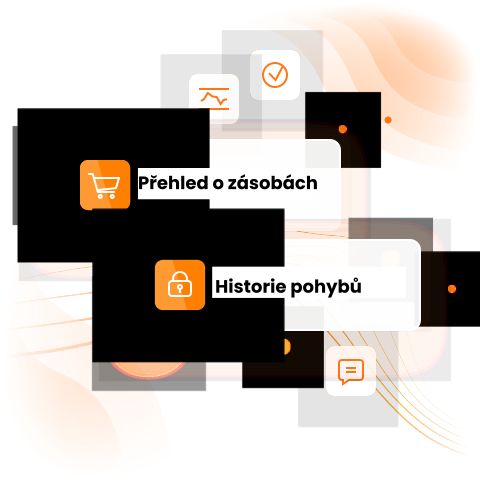
Manage warehouses, storage locations, and products within a single, easy-to-navigate structure. For each product, you can see the quantity, value, and specific location.
Track movements
Receipts, issues, and transfers are all processed using warehouse documents. For each transaction, you can record the reason and later trace who changed the inventory and when.
To transfer
Move products between warehouses or individual storage locations and maintain a complete history of their movements.
Correct
You can easily correct an incorrectly entered transaction using a reversal transaction. The original entry remains part of the history, so the audit trail is preserved.
Link
Integrate your inventory records with other INOVIO processes. You can generate a pre-filled inventory document from an incoming invoice or purchase order without having to manually re-enter items.
Warehouses with INOVIO

Stock Entry Based on an Invoice or Delivery Note
The process can be linked directly to a purchase order. When receiving goods, you can create a receipt with a single click from the invoice or purchase order, so there’s no need to manually re-enter the items. This allows for quick stock entry while maintaining the link to the purchase document.

Daily Inventory Management
Users work with inventory receipts, issues, and transfers on an ongoing basis. At any time, they can track where a specific item (inventory) is located, how much is available, and how its status has changed over time.

Current Inventory Status Overview
INOVIO continuously updates inventory levels and provides an overview of the quantity, value, and location of stock. This allows you to view the current status of products across all warehouses and storage locations in one place.

Outputs and Supporting Documents
Inventory reports and inventory transaction reports can be filtered and exported to CSV. You can then use this data for further work, to monitor operations, or as a basis for conducting an inventory count.
Interfacing with accounting systems
Procure to Pay allows easy integration with your existing accounting software. By linking with ERP systems such as SAP, Pohoda, Helios or Money S3, you get a single environment for managing your purchasing and financial processes. Automated data transfers eliminate manual entry errors and speed up the entire process.