Modul
Corporate budget
INOVIO Budget Management replaces spreadsheets with a clear system where you can see the current status of the budget and its spending at the click of a button. It allows you to plan costs for departments, centres and contracts, approve budgets and monitor their implementation according to orders and received invoices.
HOW IT WORKS
Managing budgets
01
Creation of structured budgets
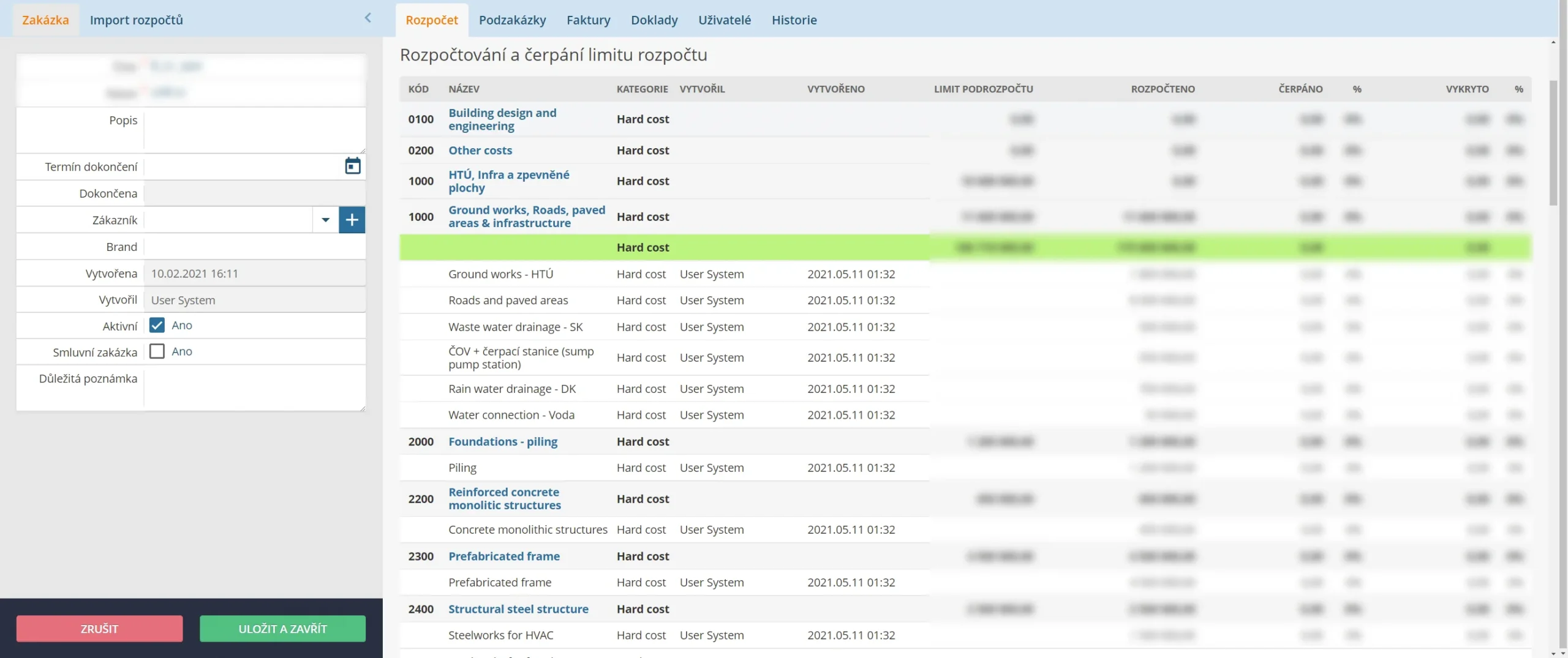
You can plan your expenses in a structured way, chapter by chapter. Importing XLS budgets will speed up your work considerably. You can (but don't have to) start approving individual chapters and communicate with colleagues.
02
Ongoing work with the budget
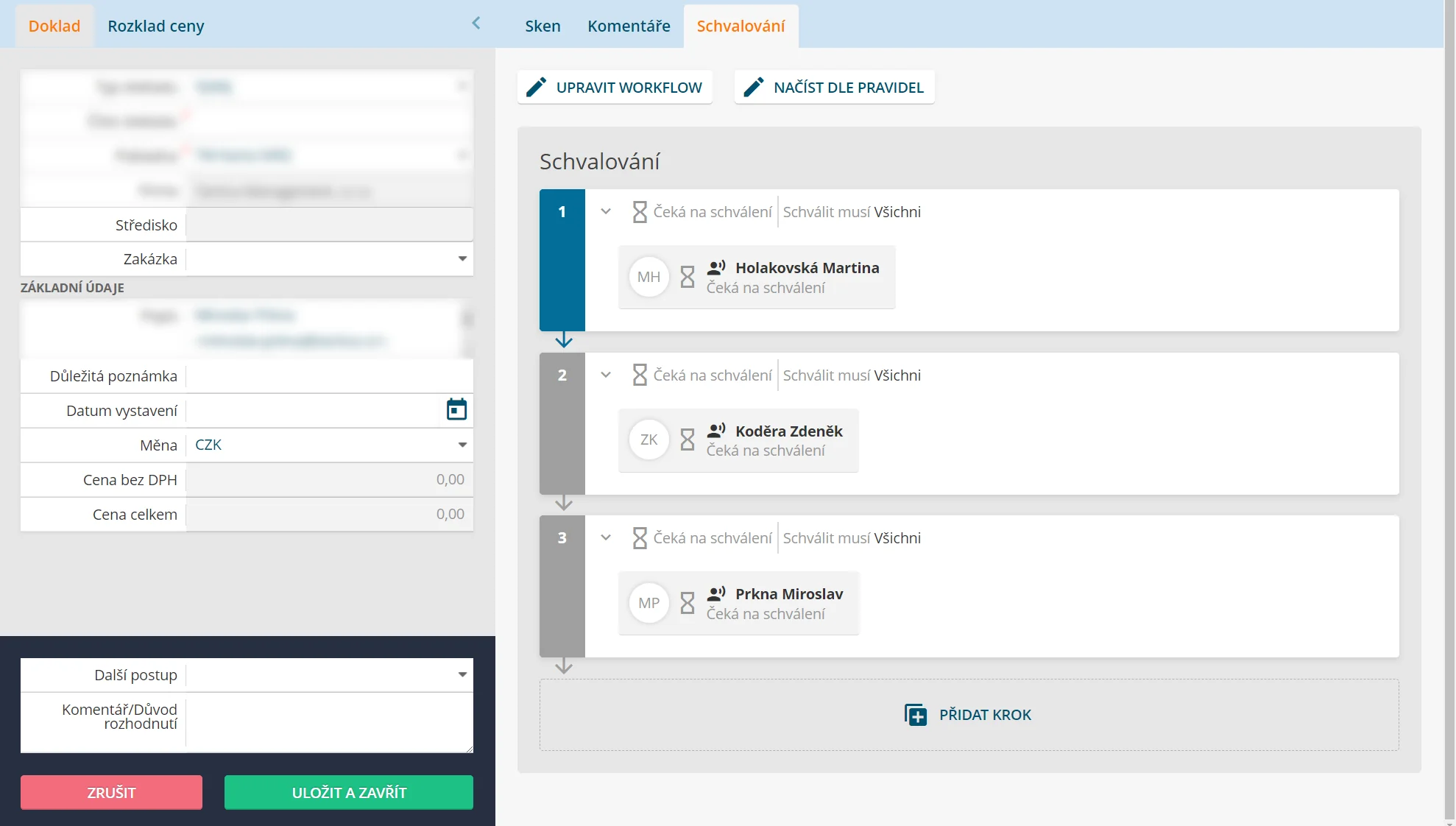
With the approval of the budget, the real work is just beginning. INOVIO creates orders directly from the individual budget items. You can approve orders flexibly thanks to your approval strategies, and we can set up the form of orders to meet all your procedural requirements.
03
A constant overview of your finances
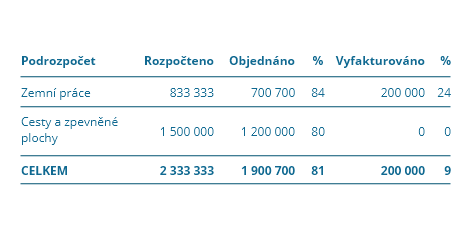
During the course of the project, orders are covered by invoices received. One invoice can cover multiple orders, but also vice versa - one order can be covered by multiple invoices. With the "Budgeted - Spent - Covered" model, you get a continuous and accurate overview of the status of spending of individual budget chapters and the entire project.
Interfacing with accounting systems
Procure to Pay allows easy integration with your existing accounting software. By linking with ERP systems such as SAP, Pohoda, Helios or Money S3, you get a single environment for managing your purchasing and financial processes. Automated data transfers eliminate manual entry errors and speed up the entire process.