


Modul
Contract management
INOVIO Contract management is a system that can manage contracts with suppliers, customers and collaborators - simply all in one place. It allows you to efficiently prepare contracts, manage their lifecycle, monitor contractual obligations and store them centrally.
WHAT HE CAN DO
INOVIO with a contract
Verzovat
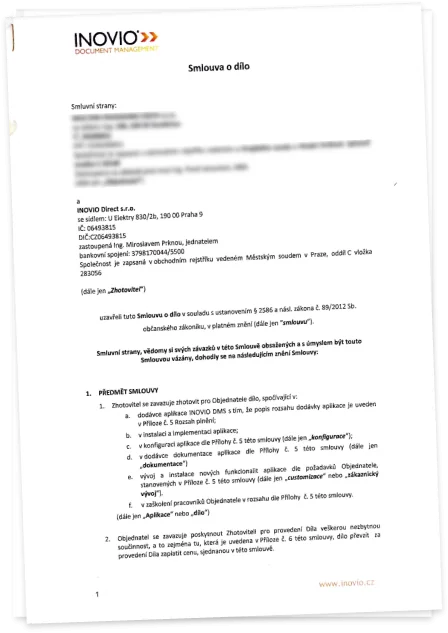
Clear work with drafts and versions of contracts in MS Office format (Word, PowerPoint)
Watch
Automatic monitoring of the parties' obligations and reminders of important deadlines
Link
Linking to invoices and orders for comprehensive contract management
Approve
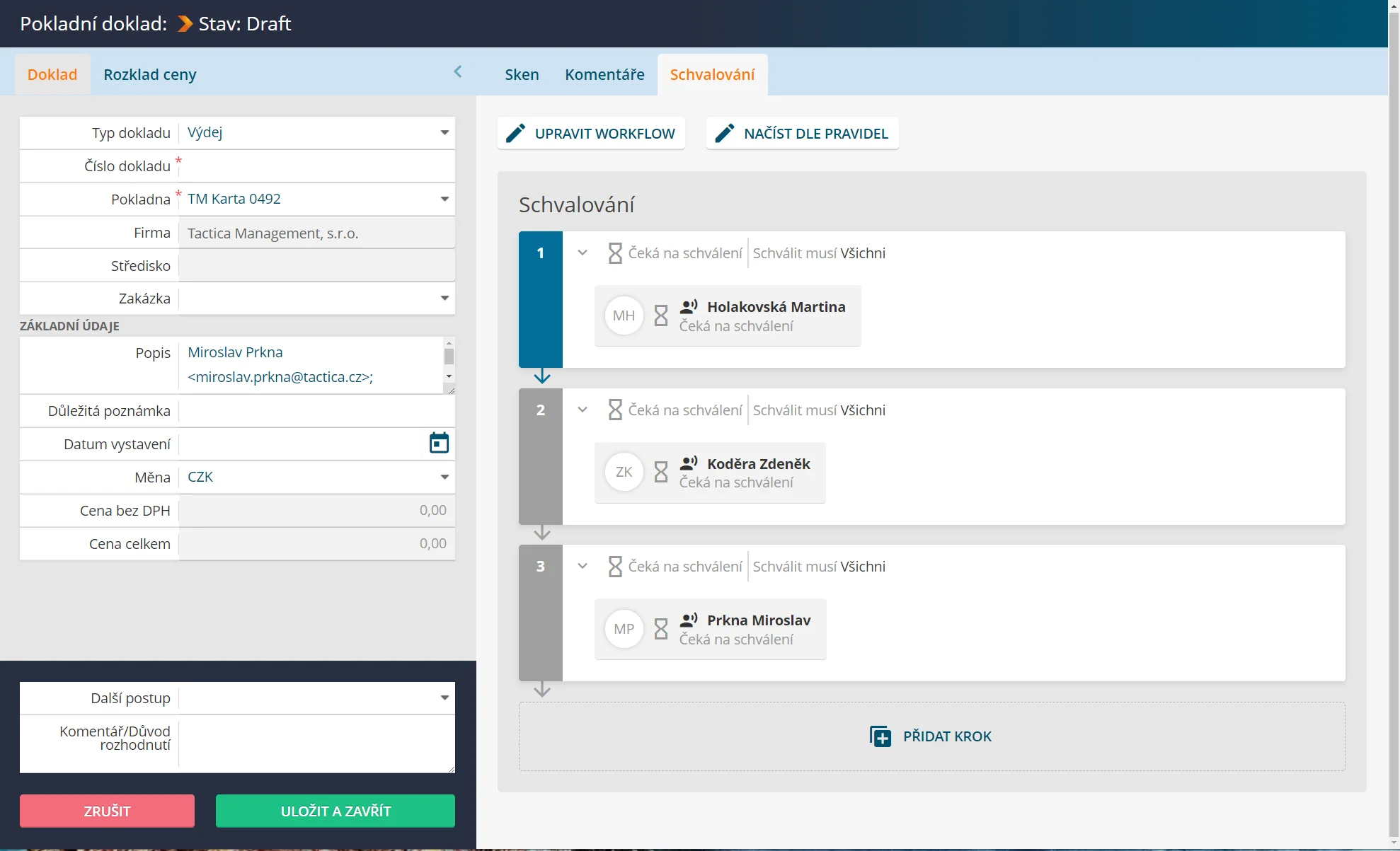
Commenting on and approving contracts using INOVIO FlexiFlow
Restrict
Controlling access to contracts and controlled familiarisation with their content
Sign
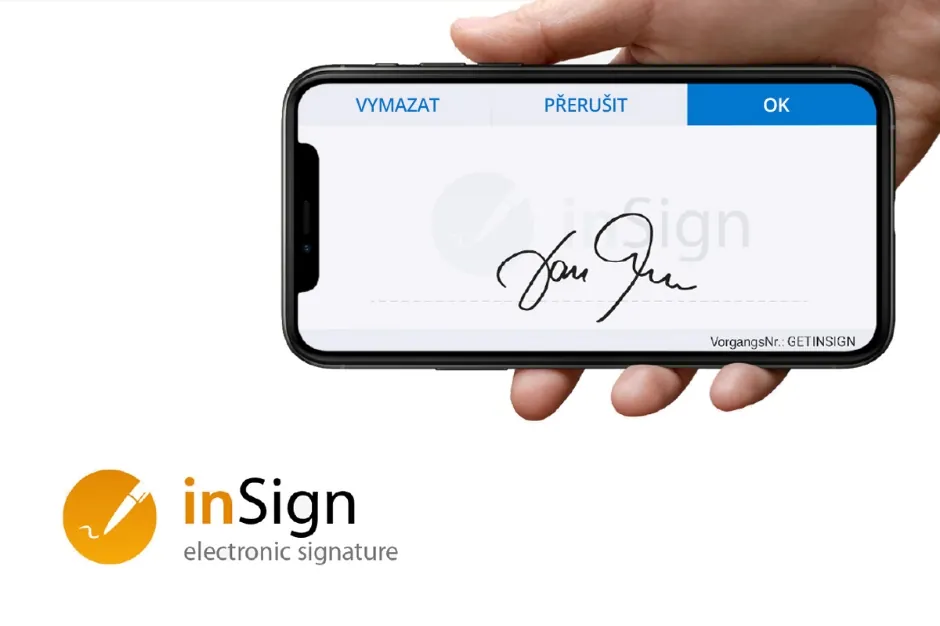
Electronic signing of contracts using inSign
HOW IT WORKS
Contract management
01
Controlled formation of contracts
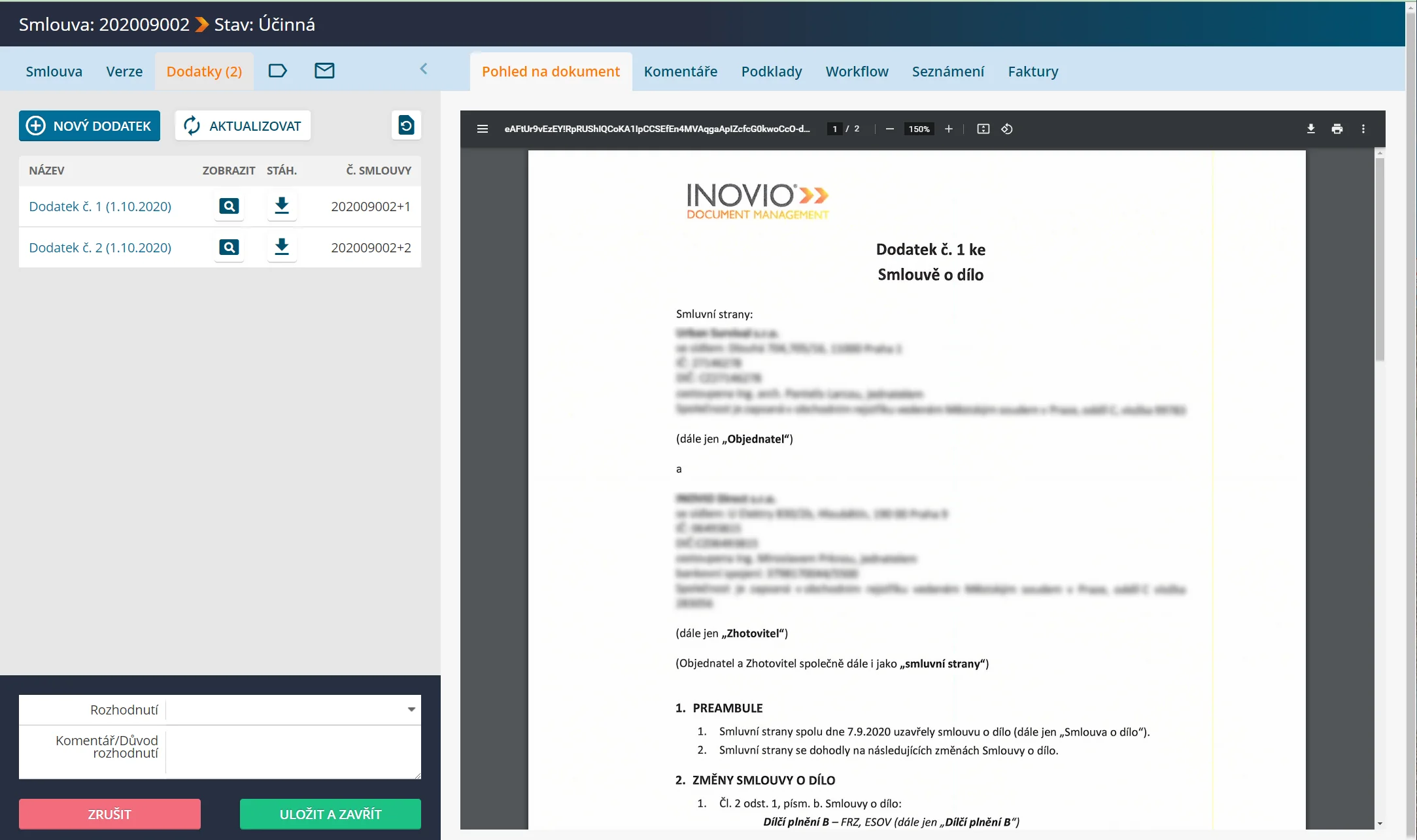
Clearly define who in the company has to comment on the contract and who has to approve it. This communication is centrally recorded. Versioning, locking, categorization of contracts is a matter of course. Contracts can be read by designated employees and the system registers these readings.
02
Electronic signing of contracts
INOVIO is also digitizing a key step in the contract process, namely the signing of contracts by the contracting parties. Integration with inSign brings legally undeniable signing by means of a handwritten signature (biometric signature). In practice, the biggest benefit is the significant speed-up. In addition, you can strengthen the legal validity of the contract by inserting it into a trusted electronic archive.
03
Working with a contract
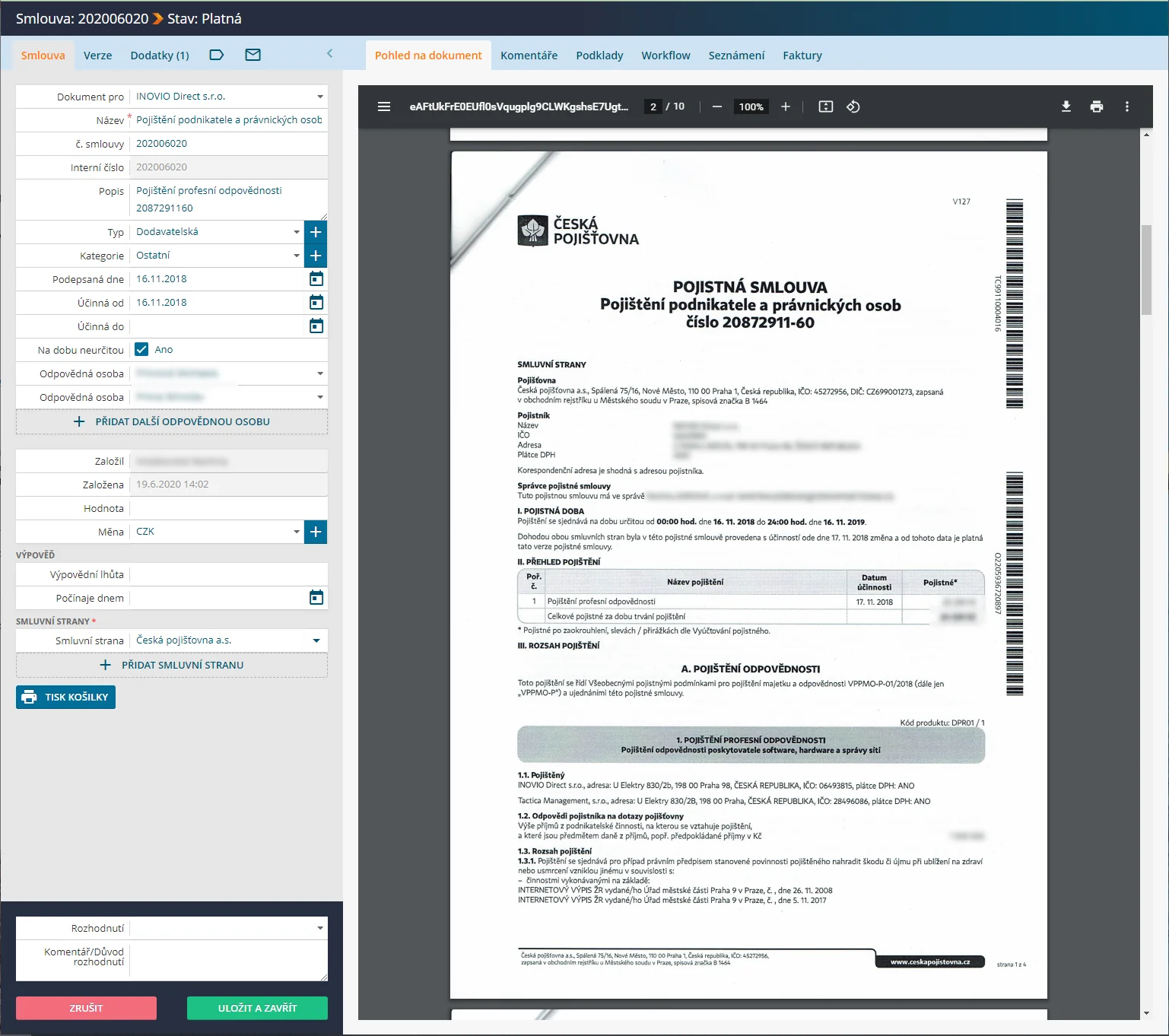
You can support contract performance with automatic notifications of important milestones, party obligations, handovers and more. The right and predefined people will receive notifications when a deadline is approaching. You can tie the contract to invoices, budgets and purchase orders. When processing invoices received, you will see how the payment schedule has been set up or which attachments are required to be part of the invoice. For each contract, you can clearly store its amendments as well as internal notes.
04
Archiving and preservation
The situation where paper originals of contracts are circulating and hiding in the company in different offices brings many risks. INOVIO will help you implement a simple and logical system. You can use the digital archive in your daily work and flexibly manage employee authorisations and access rights, even at the level of individual contracts. You can then collect all paper original contracts in a central archive that you will only need in legal disputes. Whatever the size of your existing archive (whether paper or digital), we will transfer it to INOVIA at the start of your cooperation.
05